
Run Configurations
Run Configurations serve to customize run settings for particular profiler jobs.
Run configuration dialog is opened from → .
Jobs you have run before will appear in a list where you can specify their run configuration in a closer detail. See the picture below:
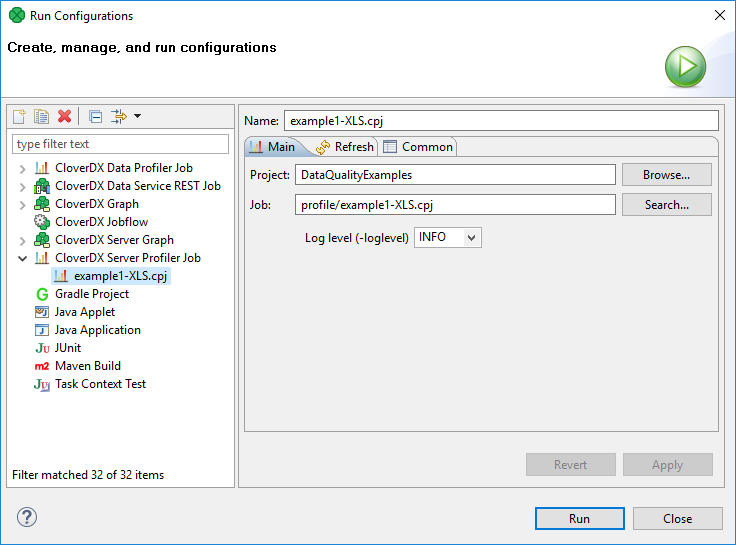
Figure 3.1. Run configurations window
Log level
Log level controls how much information is sent to the log.
Use the drop-down menu to choose from various types of log levels,
some of which are more verbose (e.g. DEBUG) than others (e.g. FATAL).
The default value is INFO.
![[Note]](../figures/note.png) | Note |
|---|---|
Profiling of data with a large number of fields that have memory consuming metrics enabled,
e.g. 200 fields calculating median may result in
|