
Version
16. Java Configuration
If you want to set up JRE, you can do it as shown here. To add java libraries see Runtime Configuration.
|
Remember that you should use Java 11 or higher. |
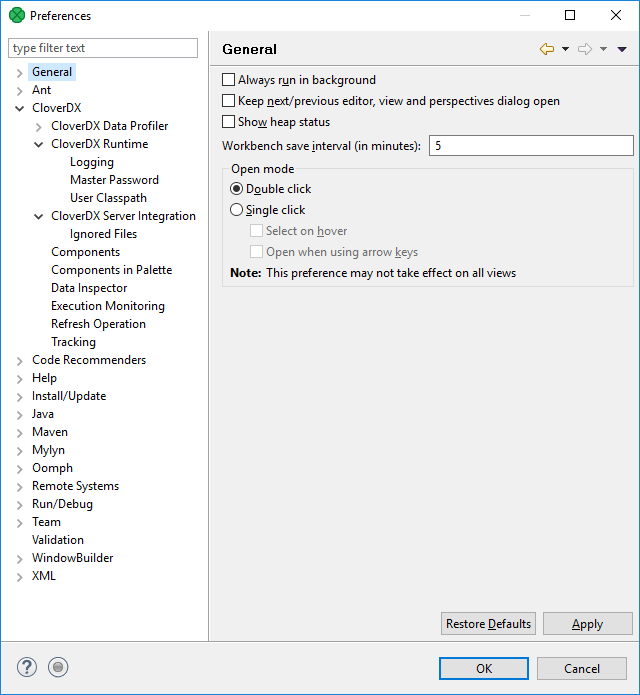
If you want to set the JRE, you can do it by selecting .
After clicking the option, you will see the following window:
Figure 27. Preferences Wizard
Expand the Java item and select the Installed JREs item as shown above. If you have already installed JRE 11, you will see the following window:
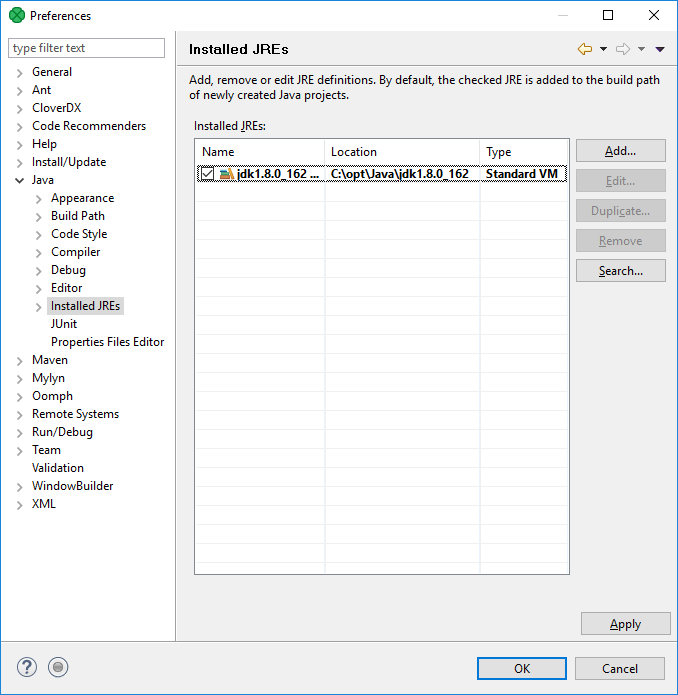
Figure 28. Installed JREs Wizard
Here, you manage the available Java Runtime Environments. The JRE being used for graph run is set up in . See Runtime Configuration