
Version
25. Export
Export converts graphs (and jobflow) to formats independent of CloverDX Designer, or exports metadata or converts graphs to jobflow, jobflow or subgraphs to graphs.
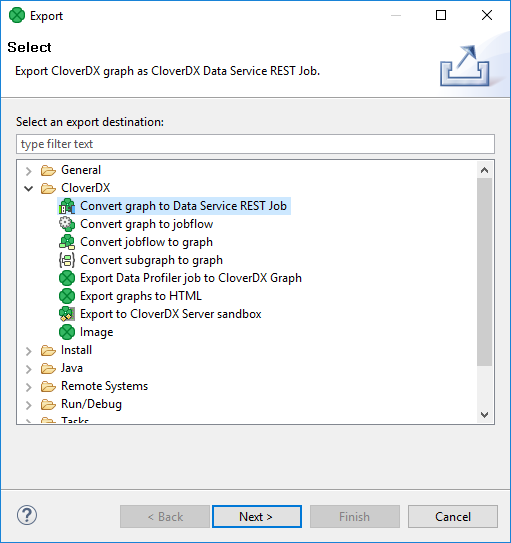
If you want to export something, you can either select from the main menu or right-click in the Project Explorer pane and select Export… from the context menu. After that, the Export wizard window opens. When you expand the CloverDX category, the window will look like this:
Figure 115. Export Options